 $FUNCOIN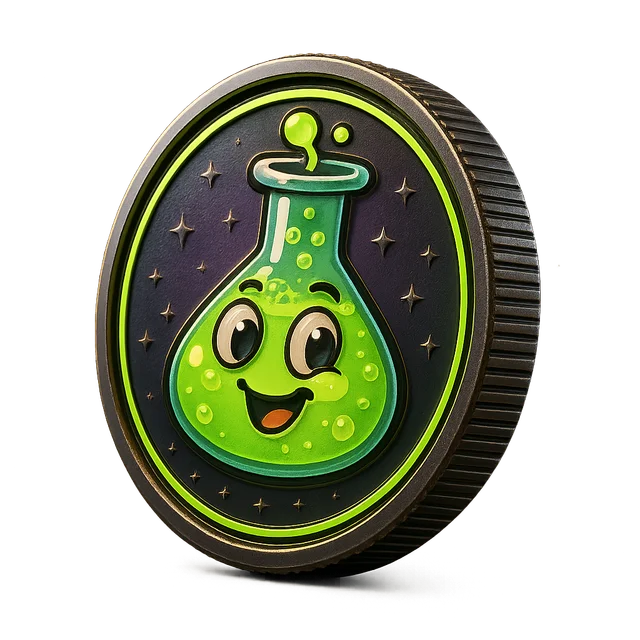
Meme logo generator for mascot badges and visual ideas
Get meme logo concepts with mascot direction, colors and type ideas, plus a generated vector badge you can preview. Check trademarks before using a logo.
Generate a logo conceptThe best meme logos are simple enough to recognize as a tiny avatar and expressive enough to carry the joke on their own. Think bold shapes, one strong facial expression and a color palette that pops. This meme logo generator helps you get from a vague idea to a clear visual direction fast, even if you have never designed a logo before.
For each concept, FunCoin Lab writes a logo brief describing the mascot, pose, expression, colors and typography, and renders a simple generated vector badge so you can see the idea in context. It is a starting point for your own design work or a brief you can hand to an illustrator, not a finished, trademark-cleared logo. Treat it as a sketchbook page.
Use it to explore styles, compare palettes and quickly test whether your character reads at small sizes. When you find a direction you like, refine it in your favorite design tool and make sure it is original before using it anywhere public. A quick trademark search and a reverse image search go a long way, because AI concepts can sometimes echo existing marks. Getting a designer to polish the final version is always a good idea.
Highlights
Clear design brief
A written concept covering mascot, expression, colors and type that a designer can actually use.
Vector badge preview
A generated badge shows how the name, colors and shape might work together at a glance.
Small-size friendly
Concepts favor bold silhouettes that still read as a profile picture or favicon.
How it works
Choose a brand or mascot
Start from a saved concept or describe a new character and style.
Generate concepts
Get logo briefs with palette and type suggestions plus a vector badge preview.
Refine in your tools
Export the badge and brief, then develop the final artwork in your design software.
Tips that actually help
- Design for 32 pixels first
- If the mascot is unrecognizable as a tiny avatar, simplify it. Detail can come later in larger illustrations.
- Exaggerate one feature
- Huge eyes, a tiny hat or an enormous grin gives a mascot instant personality and makes it easy to remember.
- Limit the palette
- Two or three colors with strong contrast look bolder and reproduce better on stickers, merch and dark backgrounds.
- Check for look-alikes
- Run a reverse image search and a trademark check before using a logo publicly, since AI concepts can resemble existing marks.